

Observe the current workflow, exceptions, owners, and required records.
Service
Automation & Internal Tools
We build internal software around the way work actually moves through a team. The first goal is to remove avoidable manual steps without creating a new system that is harder to operate than the process it replaces.
When this service is a good fit
- Teams coordinating work through spreadsheets and messaging threads
- Operations groups needing approvals, records, and clear ownership
- Businesses connecting data across several existing tools
- Managers who need dependable dashboards and scheduled reporting
Problems we can help clarify
- The same information is entered into multiple systems
- Approvals and ownership are difficult to track
- Reports require repeated manual exports and cleanup
- Staff rely on one person who understands the entire process
What the engagement can include
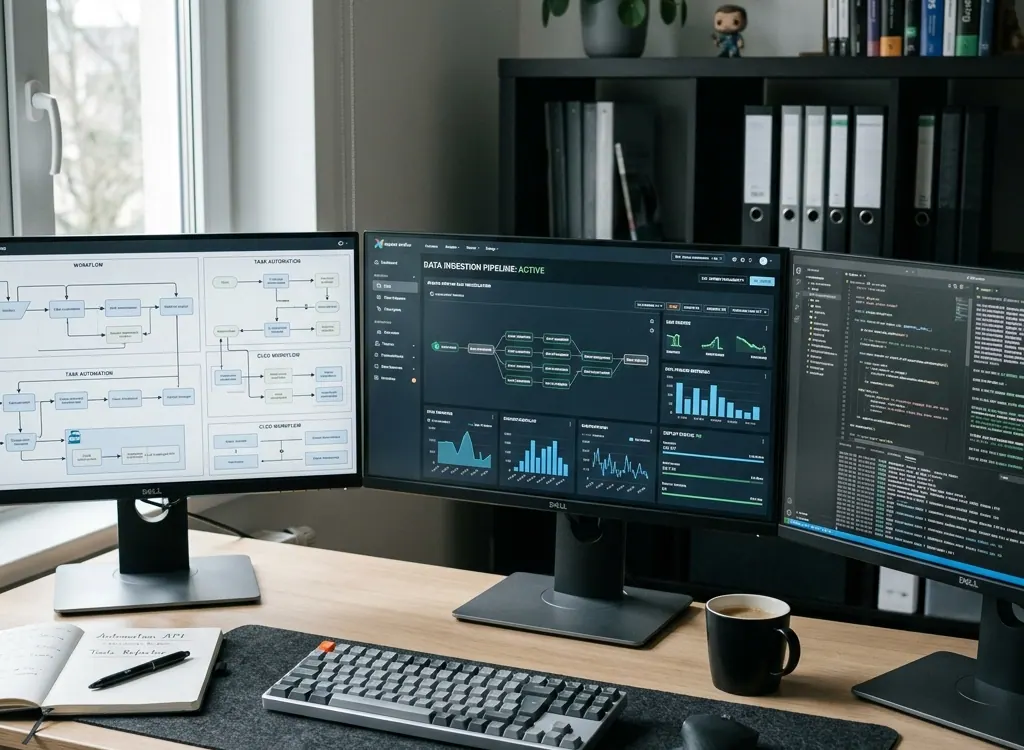
Build dashboards, admin tools, business workflow automation, data pipelines, and internal systems that reduce manual work. The goal is practical software your team can operate without unnecessary complexity.
- Operator dashboards and admin tools
- Workflow automation and approvals
- Data pipelines and system integrations
Designed to leave you with
- Fewer repeated data-entry and handoff steps
- Clearer ownership, status, approvals, and records
- Dashboards and reports based on a consistent data flow
- An internal system that can be maintained and extended
How the work moves
The exact milestones depend on the system, but the sequence stays deliberate: define the operating problem, test the riskiest assumptions, build a complete workflow, and prepare it for real use.
Remove unnecessary steps before automating the remaining process.
Build the operator interface, integrations, permissions, and audit trail.
Release with real data, training notes, monitoring, and an improvement backlog.
Questions teams ask before starting
These answers explain the common decision points. A project review is still needed before confirming architecture, scope, timeline, or integrations.
Can you automate a spreadsheet-based workflow?
Yes. We first identify what the spreadsheet is doing well, where errors or delays occur, and which steps need permissions or audit history. The result may be a focused internal app, an integration, or a smaller automation rather than a complete replacement.
Do internal tools need a custom interface?
Not always. Some workflows are best served by connecting existing tools. A custom interface is useful when users need a shared operational view, controlled actions, role-based access, or a workflow that existing software cannot represent clearly.
Can the tool connect to our existing software?
Usually, when the existing system provides an API, webhook, export, or database access that can be used safely. We review rate limits, authentication, ownership, and failure handling before relying on an integration.
How do you prevent automation failures from being hidden?
Important automations need status visibility, retries, alerts, logs, and a manual recovery path. A successful request is not the same as a completed business task, so the system should record each stage that matters.
Related services
Need a clear path for automation & internal tools?
Share the current situation, desired outcome, and constraints. We will respond with the questions or next step needed to shape the work.